CAN bus connection
The »fpControl Connection Board – Generator« (fpControl CB-G) board provides a terminal for the connection to the fpControl CAN Bus »fpCAN«.
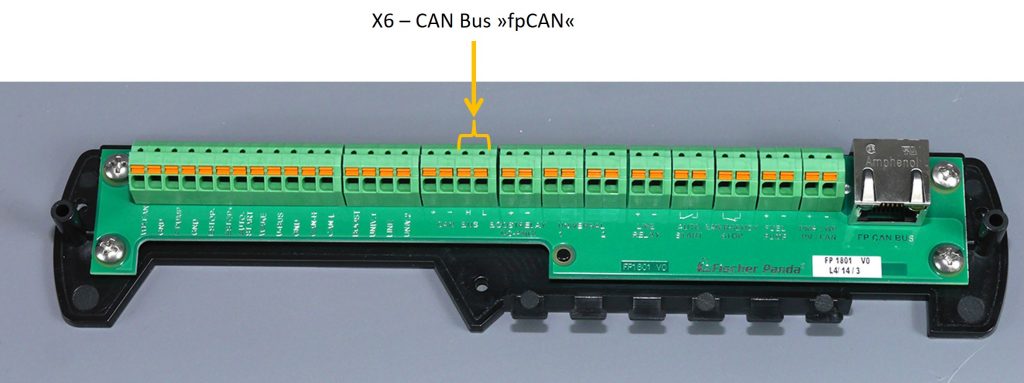
Pin assignment of »X6« for »fpCAN«
4-pin Phoenix Contact socket.
 Note: The CAN bus is supplied via the connector »X8« for »DC power supply converter«. Therefore the ports “CAN BUS +” (Pin 1) and “CAN BUS –” (Pin 2) are not connected. See »Hybrid Charger Power Supply« for more information. |
| Pin | Label | Line |
| 1 | CAN BUS + | not used for Hybrid Charger |
| 2 | CAN BUS – | not used for Hybrid Charger |
| 3 | CAN BUS H | CAN high |
| 4 | CAN BUS L | CAN low |
Terminating the CAN Bus
The ends of the fpCAN network must be terminated with a 120 Ohm resistor. The terminating resistor on the Inverter control board »FP1602« must be set with a jumper.
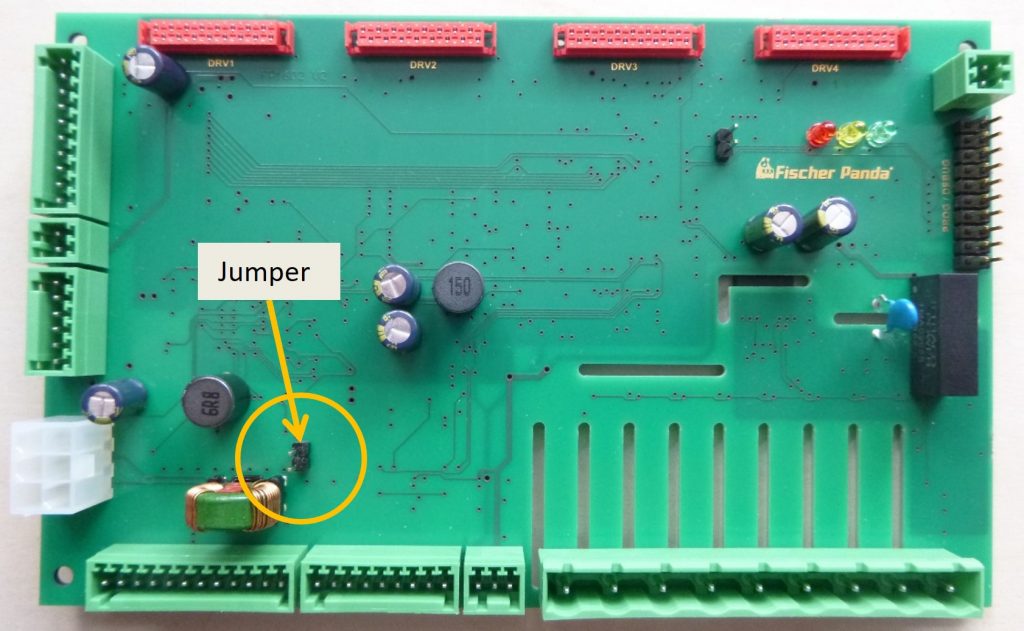
Note: Pay attention to correct termination. Missing termination resistors are a common cause of problems with the bus communication. Measuring: When two bus members are terminated with 120 Ohms resistors, 60 Ohms should be measured in the bus. Use the wiring diagram of the relevant generator system for more information. |
The Hybrid Charger as an fpCAN Bus participant
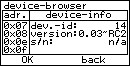
Each participant on the fpCAN has it unique module ID. In the generator menu of the »fpControl Control Panel – Generator« (fpControl CP-G) can be checked, that the Hybrid Charger is a participant on the fpCAN Bus.
Function call
Panel menu: generator > show system devices > device-browser.
Step by step guide
- Open menu item »generator«.
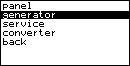
- Select »show system devices«.

- The device-browser is displayed.
- Navigate through the listed devices using the arrow keys until the dev.-id 14 for the Hybrid Charger is displayed in the device-info field: