
When servicing, it is important to know, which devices are on the fpCAN bus and their software versions. This article explains where to find information about the bus devices in the fpControl/xControl panel and how to get there.
The device browser page
The panel’s device browser page provides information about each device on the fpCAN bus:
- Address of the device on the bus
- device ID
- software version
- serial number
Entering the device browser page
Panel menu: generator > show system-devices
Step by step guide
- Open menu »generator«.

- Select »show system-devices«.

- The device browser page is displayed:
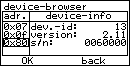
Structure of the device browser page
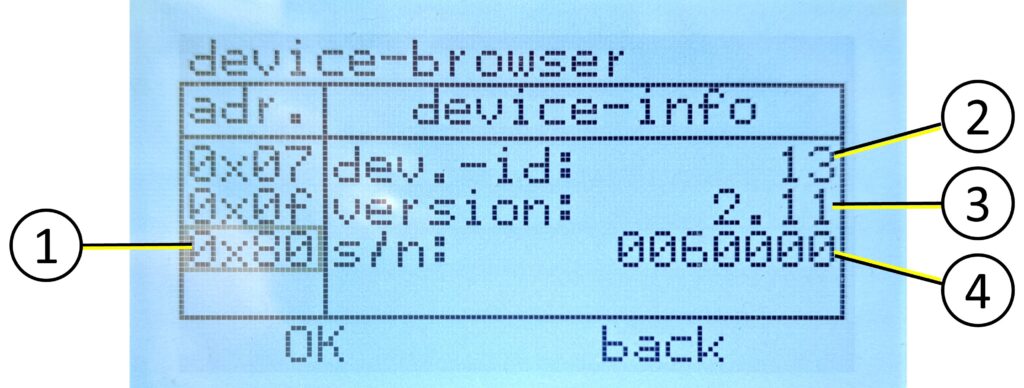
In the left column, all available devices are displayed by their address on the fpCAN bus. You can navigate through the list using the arrow keys. The active address is represented by a frame.
The corresponding information on the device whose address is selected in the left column is displayed in the right column.
| # | Description |
| 1 – [adr.] | hexadecimal address on the fpCAN bus |
| 2 – [dev.-id] | unique identification number of the device type on the fpCAN bus, here the device ID 13 for »Communication Interface CI – NMEA 2000®« |
| 3 – [version] | software release number [major version.minor version], may contain the suffix ~RCxx, which indicates that the software is a release candidate |
| 4 – [s/n] | serial number of the device hardware |